Sharing your health info with a provider — safely
A step-by-step guide to sharing exactly what you choose with a doctor, for exactly as long as you want — and taking it back the moment you change your mind.
1 · Why this is different
Most health portals make you share everything or nothing. PatientPower flips that: you pick the exact categories to share, set when access ends, and can revoke instantly — and you can see every time a provider opens your record.
Share labs with a cardiologist without exposing your mental-health notes.
Access expires automatically — 7, 30, 90 days, or until you revoke it.
One tap ends a provider's access immediately.
You can see how many times — and when — your record was viewed.
2 · How to share — step by step
Sign in
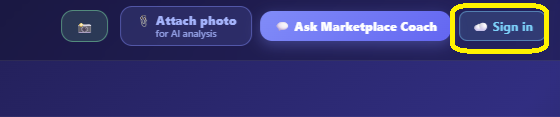
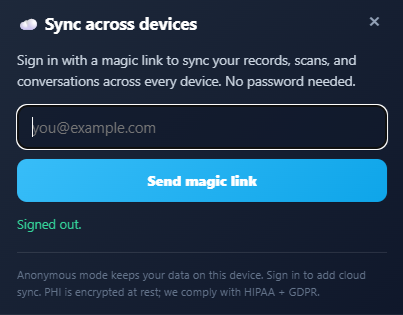
Open the Practitioner Marketplace and tap ☁️ Sign in (top-right). Enter your email and click the magic link we send you — no password needed. When the chip shows ☁️ ✓ Synced, you're ready. Signing in is what lets PatientPower create a secure, revocable link for your provider.
Open the provider you want to share with
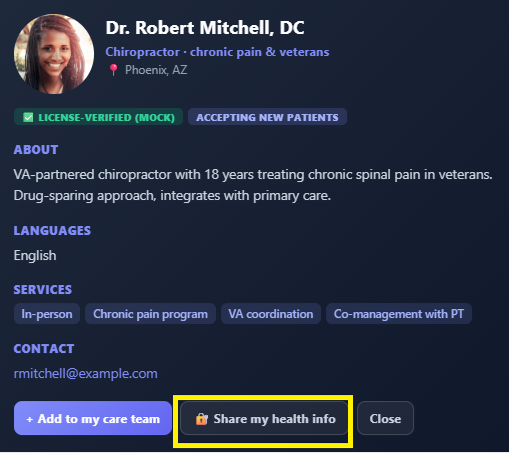
Browse the directory, then tap a provider's card to open their profile.
Choose exactly what to share
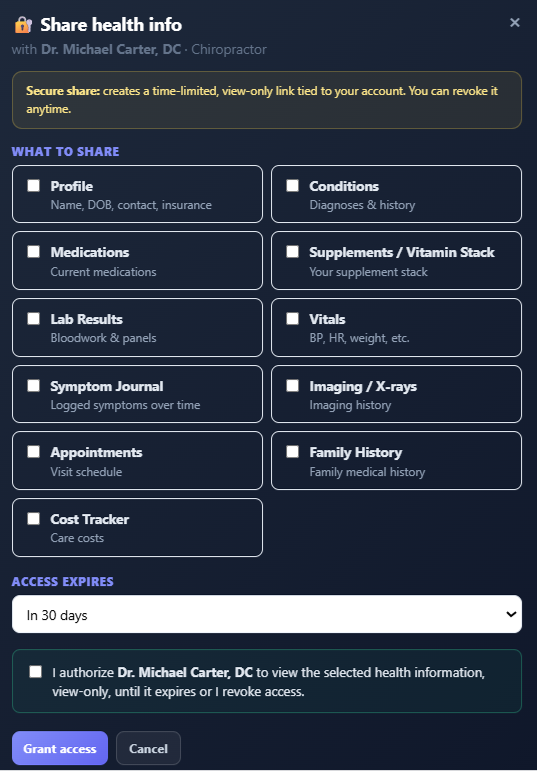
Tap 🔐 Share my health info. Tick only the categories you want this provider to see — Profile, Conditions, Medications, Labs, Vitals, Symptoms, Imaging, and more. Pick an expiry (7 / 30 / 90 days, or until you revoke), then confirm the authorization checkbox.
Grant access & send the secure link
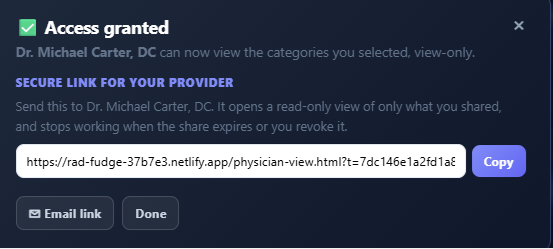
Tap Grant access. You'll get a secure link for your provider. Use Copy or ✉ Email link to send it to them. The link opens a read-only view of only what you shared — and stops working when the share expires or you revoke it.
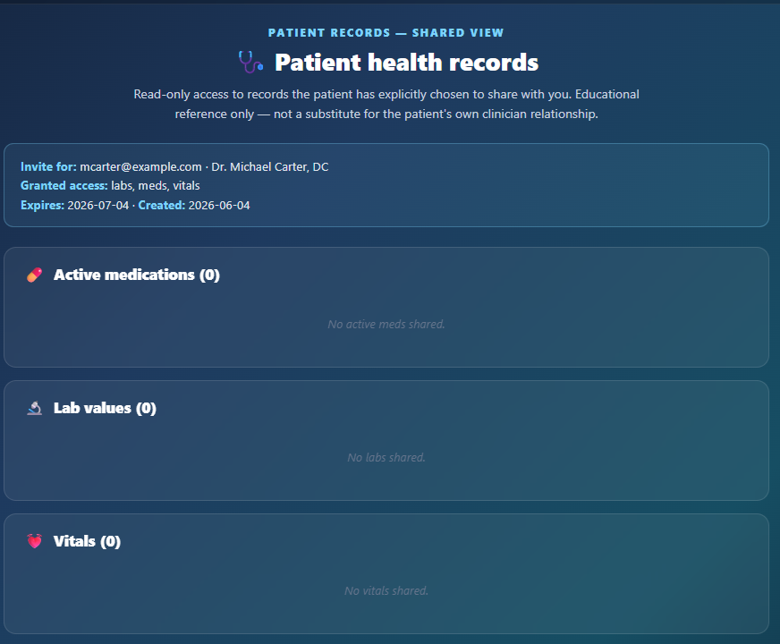
What your provider sees
When your provider opens the link, they see a clean, read-only report of only the categories you shared. They can't edit it, bulk-download it, or pass it on — and their visit is recorded for you.
3 · See who viewed it & revoke access
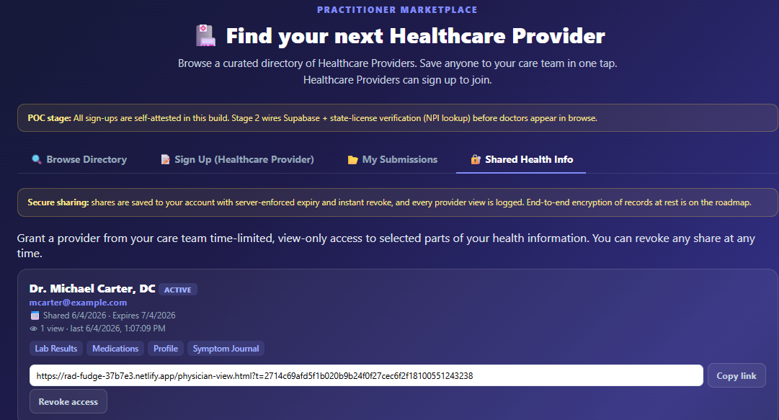
Open the 🔐 Shared Health Info tab to manage every share you've created. Each one shows the categories, the expiry, a 👁 view count (how many times your provider opened it, and when), a Copy link button, and a Revoke access button.
4 · How your privacy is protected
- Patient-controlled. A share only exists because you created it, with the exact scope you chose.
- Least-privilege by design. Providers receive a scoped, read-only key — never a copy of your whole chart.
- Server-enforced expiry & revocation. Limits are enforced on our servers, not just hidden in the app — an expired or revoked link genuinely returns nothing.
- Access logging. Every time a provider opens your record, it's recorded so you can see exactly how your data was used.
- Unique unguessable links. Each link carries a long random token; it can't be guessed.
5 · FAQ
Can the provider change my records?
No. The link is strictly read-only. Providers can view what you shared but cannot edit, add to, or delete anything.
What happens when a share expires?
The link stops working automatically at the expiry you set. Your provider would need a fresh link from you to view anything again.
If I revoke, does it really cut off access?
Yes — immediately. Revocation is enforced on the server, so reopening the link afterward shows an "access revoked" message.
Can I share different things with different providers?
Absolutely. Each share is independent — share labs with one provider and your full profile with another.
Do I need an account?
You need to be signed in (a quick magic-link email) so the share can be created securely and synced. Your provider does not need an account — they just open the link.
This document is educational and not medical or legal advice.